Mthandizi Code
An AI coding agent that builds with you on your own computer. Use the Windows app or the command line, choose your AI model, see every change before it is saved, and pay in kwacha.
In beta · needs a paid Mthandizi plan
Get the app
about 116 MB, once; updates are small · Windows 10 or 11, 64-bit
On macOS or Linux, or prefer the terminal?
npm install -g mthandizi-codeIt needs Node.js 22.13 or newer, and runs in any terminal, including VS Code's own (Terminal → New Terminal). The Code guide walks through it.
See it working
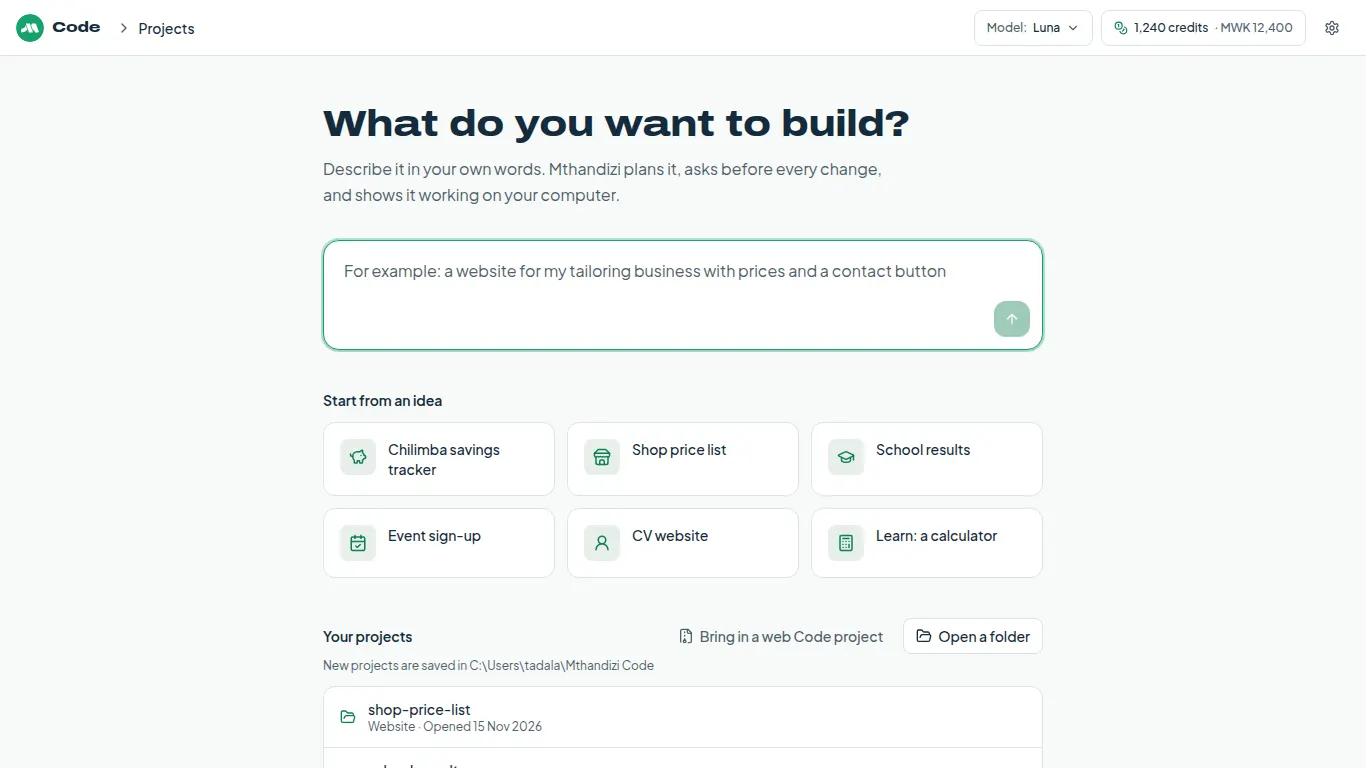
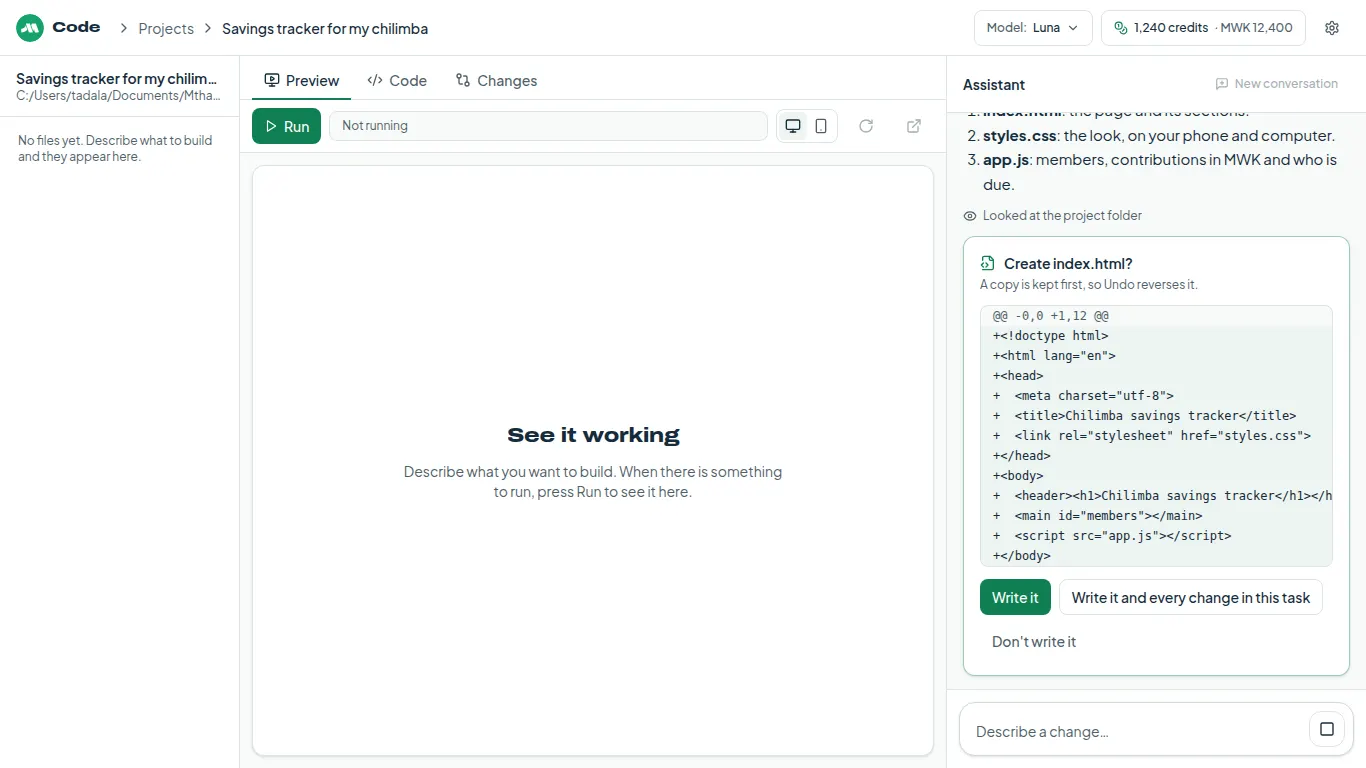
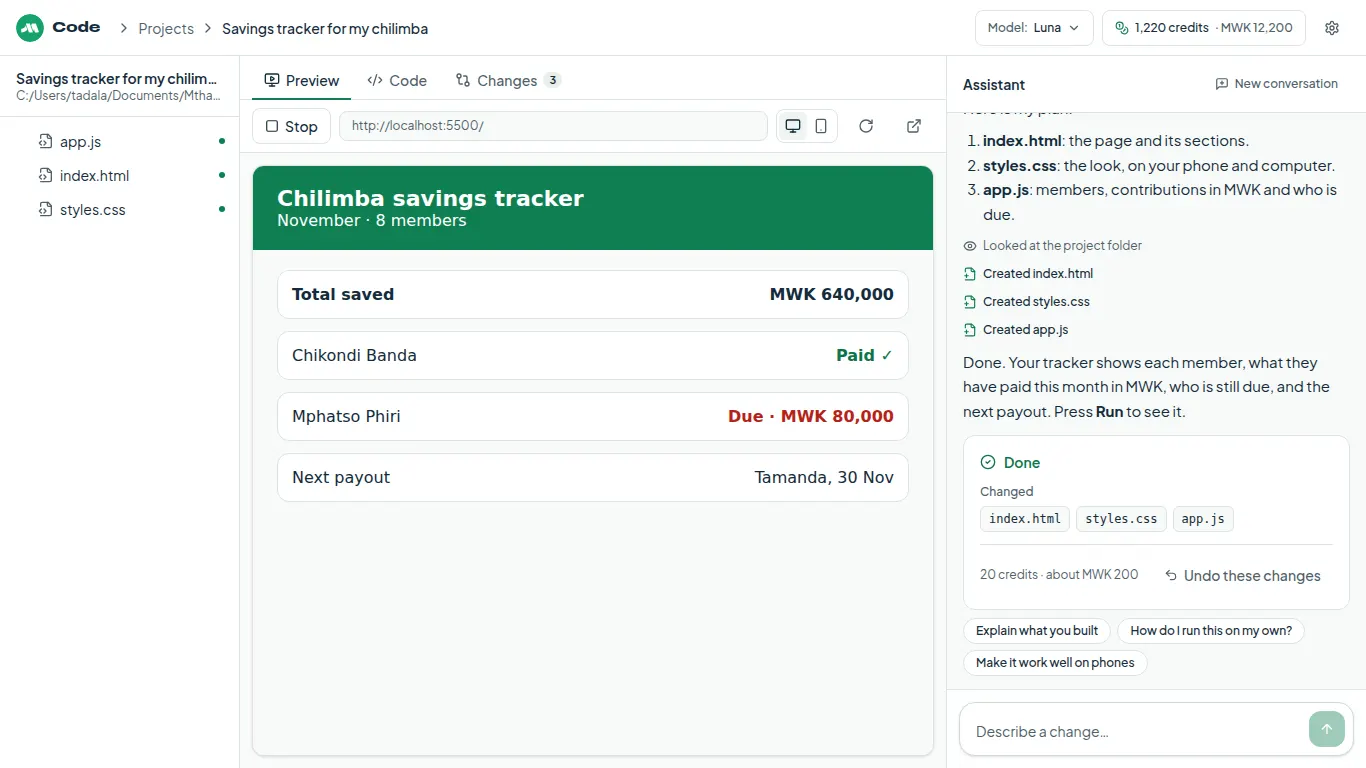
Example screens with a made-up project. Costs depend on the task and the model.
The Windows app or the command line
The same agent, the same models and the same credits, in two places. Use whichever suits you.
The Windows app
- Buttons for everything: no terminal needed
- Preview shows your site or app as you build it
- Node.js comes with it, so web apps run on a new computer
- Works on your projects wherever they are, and updates itself
The command line
- Windows, macOS, Linux and WSL
- Works in VS Code's built-in terminal, and any other
- Commands for your model, a kwacha limit and low data
- Explains each task in English or Chichewa if you ask
Choose your model
Pick the AI model for each task, in the app or with /model. Bigger models handle harder work and cost more per step.
- GPT-5.6 Luna(default)●○○
Everyday coding: balanced speed and cost
- Claude Haiku 5.5●○○
Quick: small fixes and questions
- GPT-5.6 Terra●●○
Deeper reasoning: bigger features, tricky bugs
- Claude Sonnet 5.5●●○
Strong all-rounder: features, multi-file bugs
- GPT-5.6 Sol●●●
Best for whole apps: about the same cost as Opus
- Claude Opus 5.5●●●
Most capable: hardest problems, big changes
What it costs
Code comes with every paid Mthandizi plan, paid in kwacha with Airtel Money, TNM Mpamba or a card. No dollar card needed. Each step uses credits from your plan: you see the total as it works, and every task ends with its cost.
- Plus Pass250 credits a week · MWK 5,000 a week
- Plus1,500 credits a month · MWK 15,000 a month
- Research3,500 credits a month · MWK 35,000 a month
- Power7,000 credits a month · MWK 70,000 a month
- For example, building a small savings-tracker page on GPT-5.6 Luna took 41 credits. Bigger tasks and bigger models cost more.
- Credits a step holds but doesn't use come back to you.
- Set a kwacha limit and it asks before a task goes past it.
See all plans on the pricing page. Code is in beta.
Knows Malawi, and asks before it acts
Knows Malawi
Before it writes payment code, Mthandizi Code reads built-in notes taken from our own working PayChangu integration:
- PayChangu checkout, and checking every payment on your server before you mark it paid
- Airtel Money and TNM Mpamba charges that wait for the person to approve on their phone
- Kwacha amounts as whole numbers, shown as MWK 1,500
- +265 phone numbers in the four ways people write them, and which network a number is on
- Malawi time and day-first dates
It still tells you to check the current official documentation before you rely on them.
Asks before it acts
- Every change is shown before it is saved, and you can undo a task.
- No command runs without your yes, and it shows the exact command and folder first.
- It works only in the folder you choose.
- Mthandizi never opens secret files (.env, keys) itself; a command that would read one is flagged before you approve it, and lines that look like passwords or tokens are held back.
- Commands run on your computer as you, so read each one before you approve it.
The files it reads go to the AI model you chose. The Code guide has the details.
What Windows will show the first time
Windows warns about new apps that are not signed yet. Download Mthandizi Code only from mthandizi.com, then:
- A blue box says Windows protected your PC.
- Choose More info, under the message.
- Choose Run anyway. Windows remembers, so you only do this once.
Your web projects
Checking your account…